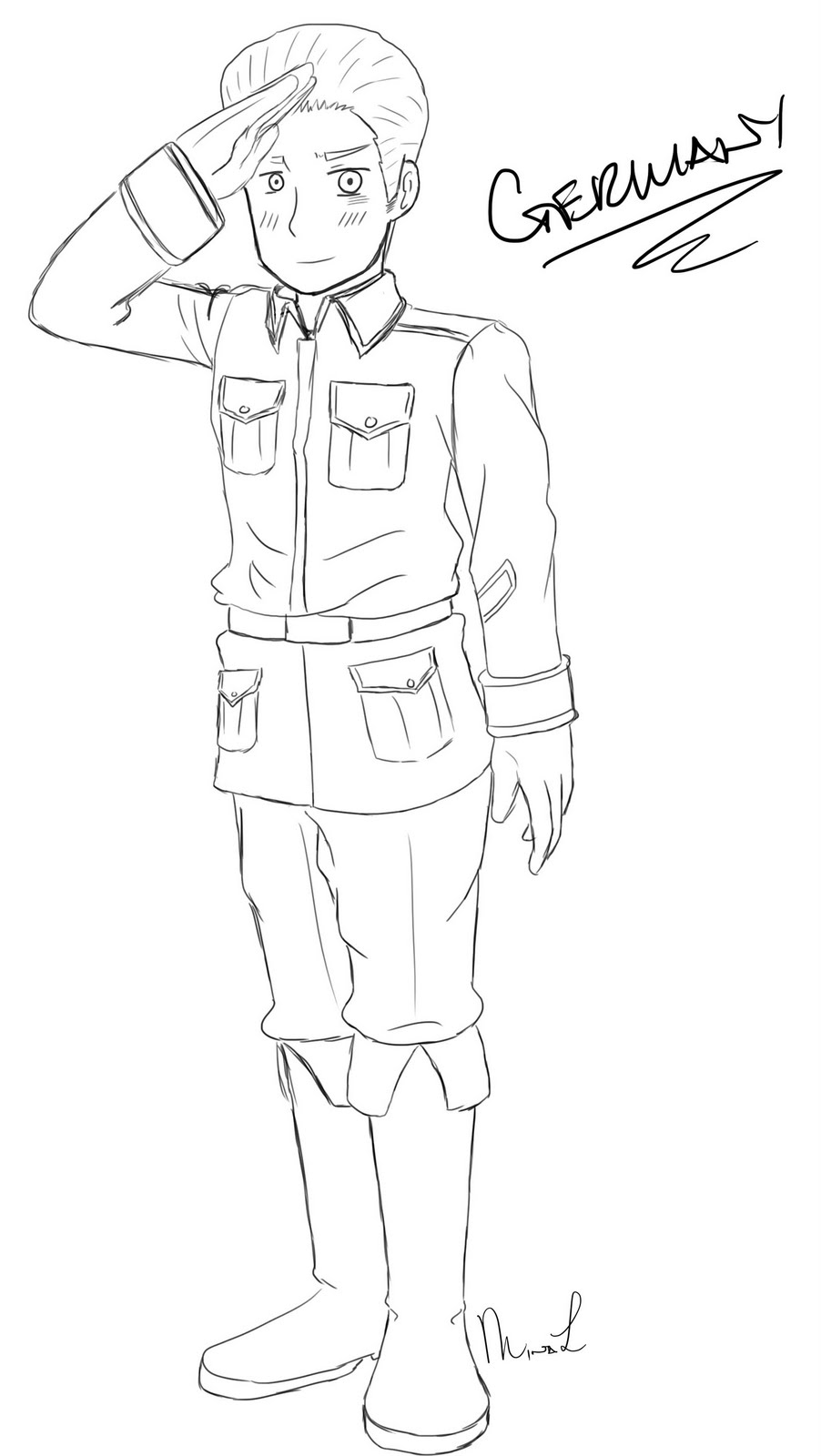
Pretty much it.
This art blog is where you will find artworks I did in my web design class. I would also put in WIP (work in progress) drawings, sketches and probably other art works in here.
Saturday, July 23, 2011
Monday, July 11, 2011
Sunday, June 26, 2011
Saturday, June 11, 2011
Wednesday, May 4, 2011
Chibi Philippines
After three days, it's complete ;w;
I'm not happy with the shades of his shirt sadly T_T
But oh well...
And I still can't perfect the Hetalia style sadly ;w;
At least I tried <3
I'm not happy with the shades of his shirt sadly T_T
But oh well...
And I still can't perfect the Hetalia style sadly ;w;
At least I tried <3
Chibi Philippines WIP
Monday, May 2, 2011
Retouch with Dodge and Burn...
In a different way...
I still wonder why you can't use the dodge and burn tool in Photoshop |D
But I have to follow it anyway. Fill it with 50% Gray and change the blend of the layer to Overlay.
So this the picture I used.
Yes that is me. No comment whatsoever. It's me |D
And I have a lot of acne on my face.
And yes that's my computer class. No tour though. Sorry.
So I took a photo of myself using Mac's Photo Booth.
I opened up Photoshop CS4
My sister and I used Photoshop CS5
I did what's followed on the video.
Then...
Here's the product.
Yeah... there's no difference whatsoever... but it's there.
I still wonder why you can't use the dodge and burn tool in Photoshop |D
But I have to follow it anyway. Fill it with 50% Gray and change the blend of the layer to Overlay.
So this the picture I used.
Yes that is me. No comment whatsoever. It's me |D
And I have a lot of acne on my face.
And yes that's my computer class. No tour though. Sorry.
![]() |
| Before the dodge and burn technique |
I opened up Photoshop CS4
My sister and I used Photoshop CS5
I did what's followed on the video.
Then...
Here's the product.
![]() |
| With the dodge and burn |
Yeah... there's no difference whatsoever... but it's there.
Subscribe to:
Posts (Atom)